Multi-Camera Video Podcast Setup in 2026: How Many Cameras You Actually Need

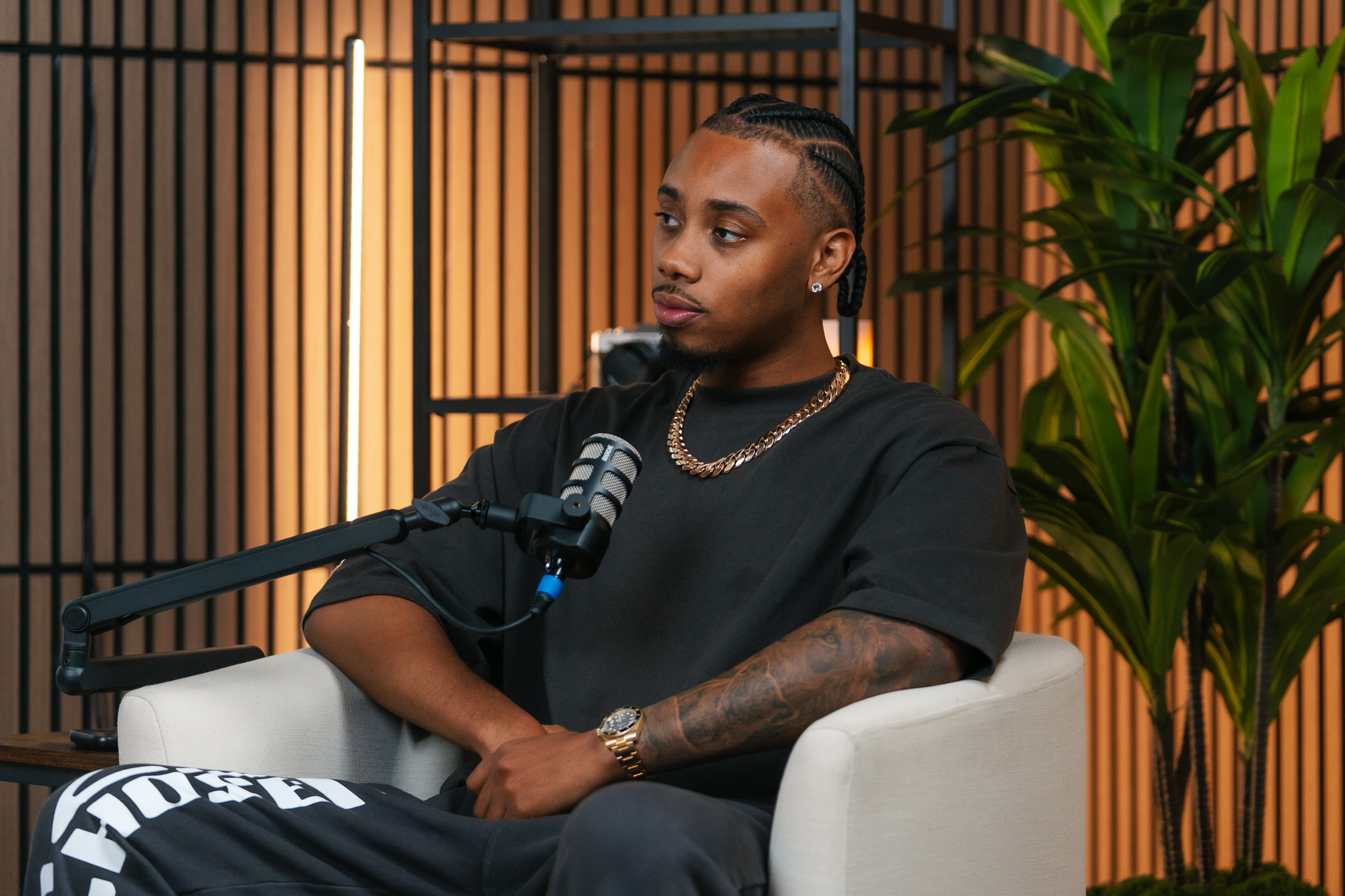
If you are planning a multi-camera video podcast setup in 2026, the first question is usually how many cameras you really need. The honest answer is fewer than the gear forums suggest, as long as each camera has a clear job. Video is now where many business podcasts get discovered, which means the way your show looks affects whether viewers stay, subscribe, and eventually book a call.
Why Multi-Camera Podcasting Has Become the Standard
A single locked-off shot works for a quick test episode. Over a full conversation, though, it feels static, and viewers who watch on YouTube or social platforms tend to notice. Cutting between angles gives the eye something new every few seconds and signals that the show was produced with care.
That signal matters if your podcast supports a business. A polished video podcast studio setup tells prospects you take your work seriously before the host says a word. It also gives you more raw material for short clips, since each angle can be reframed for vertical formats.
How Many Cameras Does a Video Podcast Need?
The right count depends on the format of your show. Here is a practical way to think about it.
One Camera: Solo Shows and Tight Budgets
A solo host can look excellent on a single well-lit camera at eye level. Add a second angle only if you plan to cut away for emphasis or screen shares.
Two Cameras: The Interview Sweet Spot
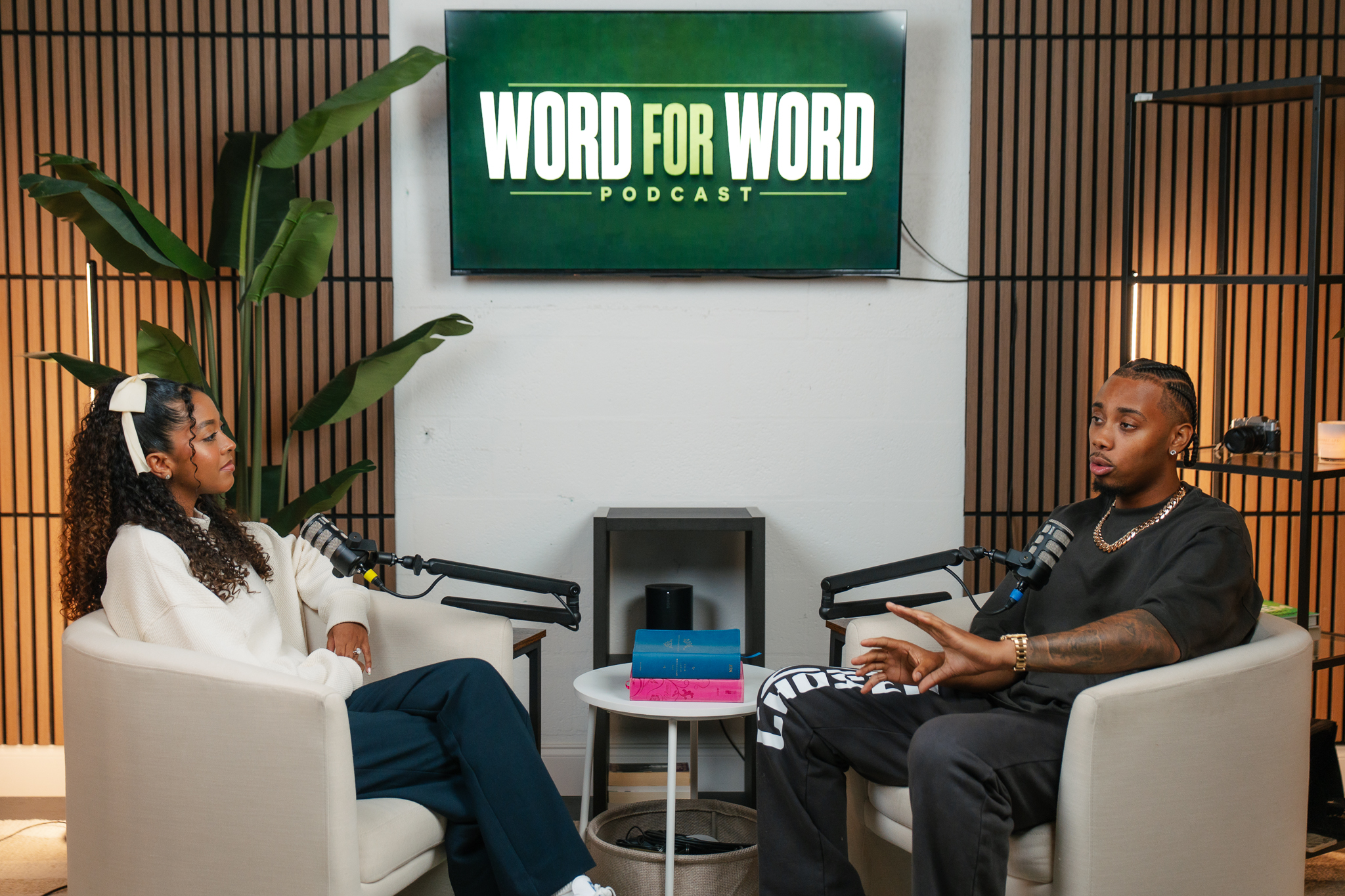
For one host and one guest, two cameras (one on each person) is the most common and most cost-effective choice. You can switch between speakers, and each person gets a clean, flattering frame.
Three or More: Panels and Premium Productions
A wide shot that captures the whole table, plus a close shot of each speaker, gives editors flexibility and makes panel shows easier to follow. This is where a professional podcast studio earns its keep, because syncing and monitoring several cameras while managing audio is a lot for one person to handle.
The Elements That Matter More Than Camera Count
Plenty of shows add a third camera when the real problem sits elsewhere. Before buying more gear, check these fundamentals:
- Lighting: Soft, consistent light on each face does more for image quality than a more expensive camera body. Avoid mixing window light with studio lights, since the color shifts during a long recording.
- Audio: Viewers forgive average video far more readily than bad sound. Dedicated microphones, a treated room, and clean gain staging come first.
- Framing and background: Keep a consistent focal length and eye-level framing across angles so cuts feel natural, and give the background some depth rather than a flat wall.
- Sync and backup: Record every camera locally, use matching frame rates, and capture a clean audio track so the edit never falls apart.
DIY Multi-Camera Setup vs. a Recording Studio Near You
Building your own rig is realistic if you enjoy the technical side and have a quiet, controllable room. Expect to spend time on lighting, cable management, camera matching, and troubleshooting before each session.
Many hosts find that the time cost outweighs the savings. If you search for a recording studio near me and find a space with cameras, lighting, and acoustics already dialed in, you can focus on the conversation rather than the equipment. For anyone looking at a podcast studio in West Palm Beach or a South Florida podcast studio more broadly, the practical benefit is consistency: every episode looks and sounds the same, no matter how busy your week gets.
A Simple Decision Framework
- Solo or occasional episodes: Start with one camera and invest in lighting and audio first.
- Regular guest interviews: Use two cameras and a simple switching workflow.
- Panels, video-first shows, or lead-generation podcasts: Consider three or more cameras in a professional space, so editing and clip creation stay manageable.
Whatever you choose, match the setup to your goals. A show built to generate consultations deserves a look that reflects the quality of the business behind it.
Ready to See What a Professional Setup Looks Like?
If you are weighing a DIY rig against a purpose-built space, we are happy to talk through your format and recommend the camera setup that fits. Visit our contact page to book a conversation about your video podcast at our West Palm Beach studio.
Related Articles


CLEARVIEW
Studio

